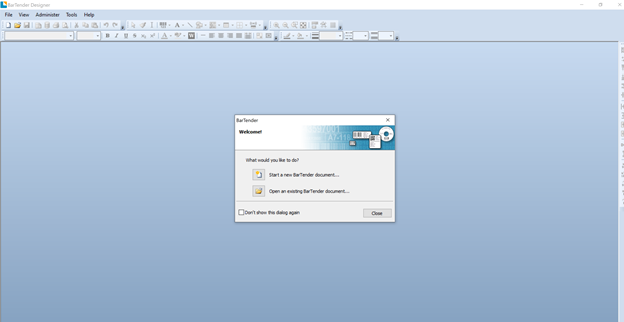
Cipher Label is sold with a copy with the Seagull Scientific BarTender Designer.
An introductory e-mail with a personal download link should have been provided after your purchase. If you did not receive this e-mail, please contact support@skipjacksc.com for assistance.
Steps:
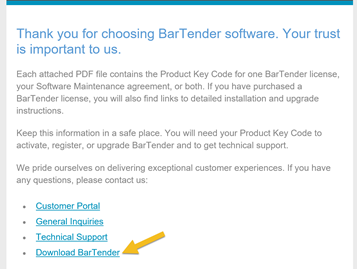
- From the BarTender email click on the Download BarTender link. The browser should be directed to the https://portal.seagullscientific.com/downloads download page.
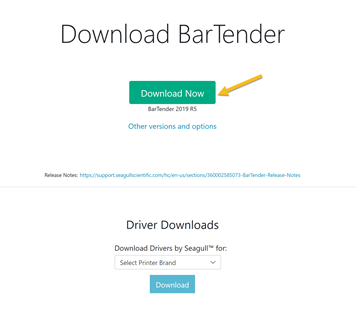
- Click the Green Download Now button
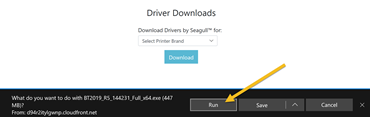
- Chose the Run button to start the install
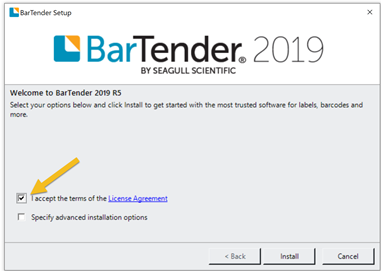
- Accept the terms of the License Agreement and press the install button
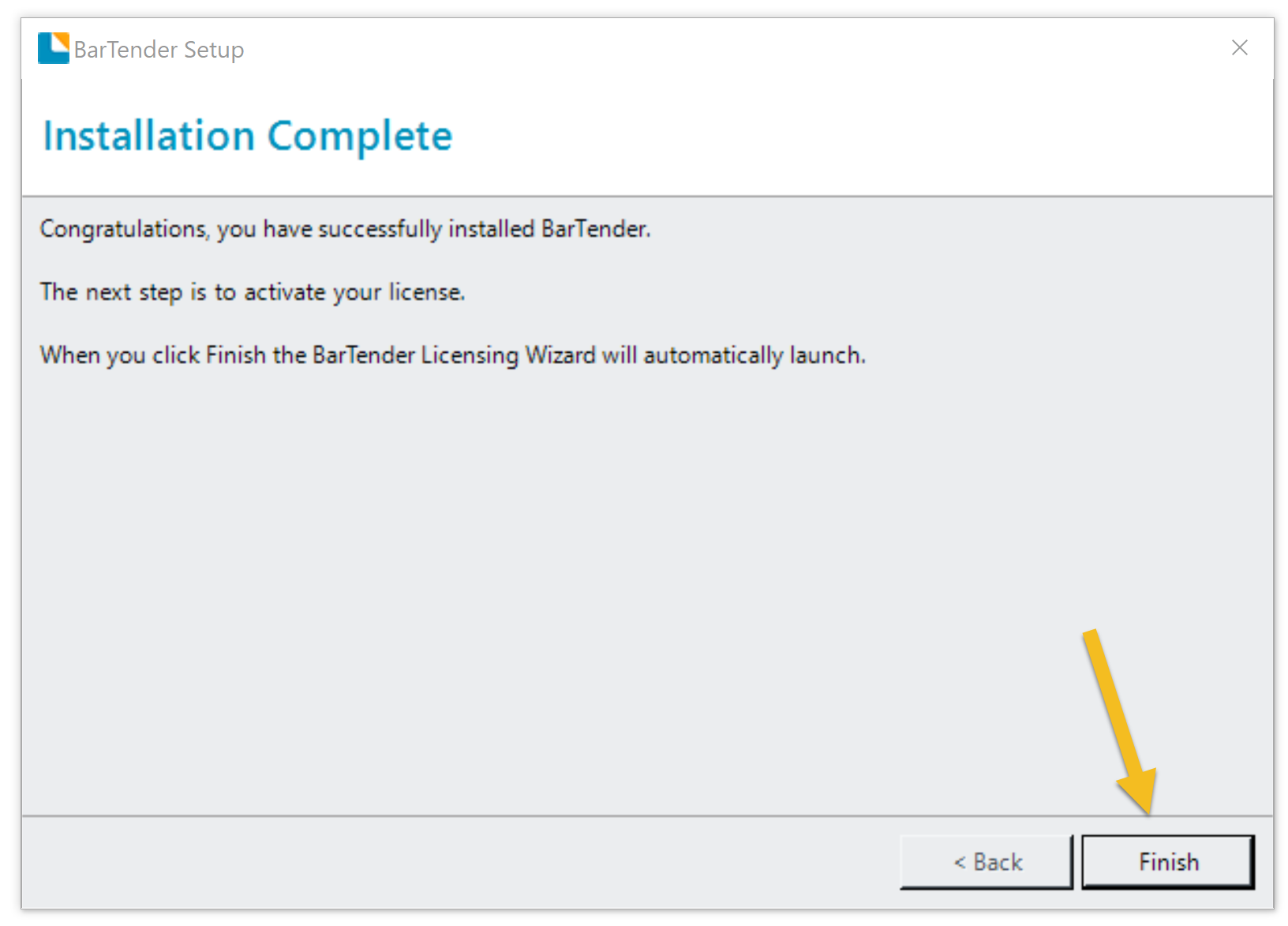
- Click the Finish button to complete the installation
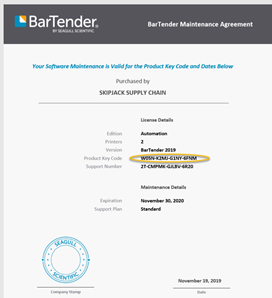
- Accompanied with the BarTender install link a PDF containing the license key should have been provided. Open the PDF and copy the Product Key Code.
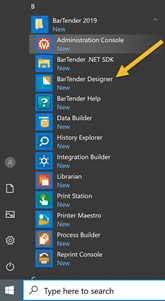
- Navigate to the BarTender Designer and open the application.
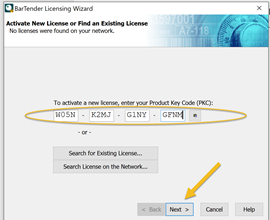
- When entering the designer for the first time, you’ll be prompted to enter the product key. Enter the Key and press the next button.
-
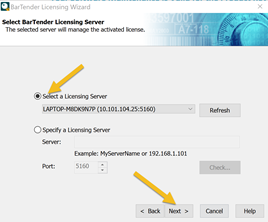
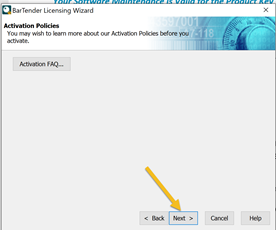
Select the location of the License Server. For most installations the license server will be on the machine that will be used when designing labels. Press the next button twice.
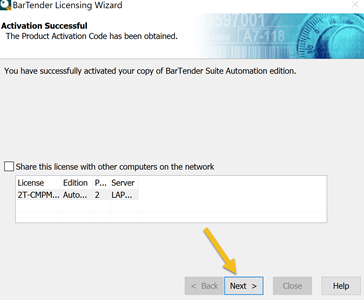
- The key can be shared with other computers on the network. If desired check the Share this license with other computers on the network check box. If no press the next button.
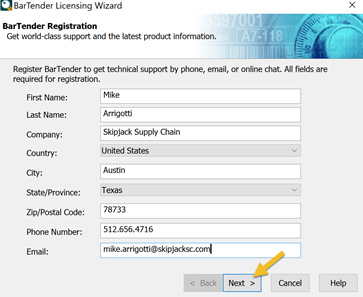
- Register your copy of BarTender and press the next button.
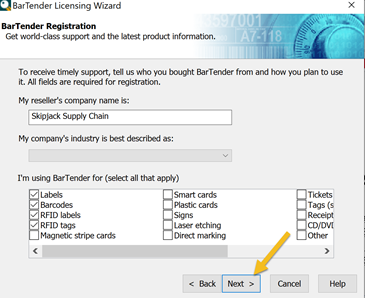
- Enter the reseller’s company name, industry and choose the options that will be used.
- Choose any desired communications or notifications from Seagull Scientific press the next button.

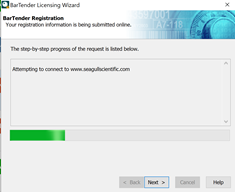
- Complete the registration process.
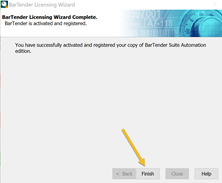
- Verify Installation by re-opening the BarTender Designer application. If successful the designer should be displayed.