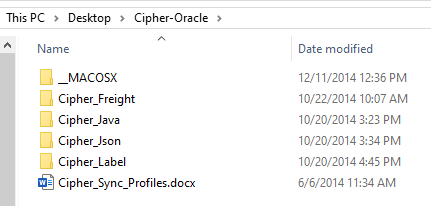
Once you have downloaded the Cipher-Oracle.zip from the Cipher application, unzip to a directory.
The contents of the zip file look as follows:
Install Cipher_Json Objects
This must be installed for both Cipher Freight and Cipher Label. If you are only installing one of these Cipher products, this is still a required library.
- Open Cipher_Json/install.sql in SQL Developer.
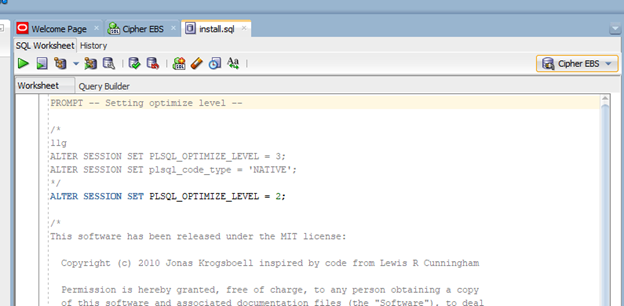
- Ensure you are connected to your EBS instance as the APPS user.
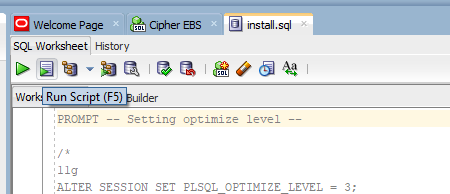
- Run Cipher_Json/install.sql as a script.
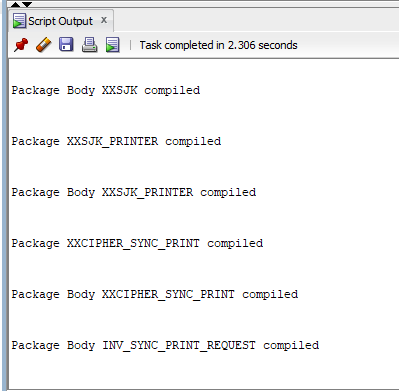
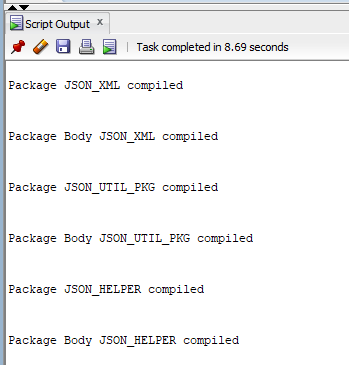
- The Script Output tab will display the results of the installation of Cipher_Json.
Install Cipher_Freight Objects
This is only required if you have purchased Cipher Freight. You can ignore it if you purchased only Cipher Label.
- Open Cipher_Freight/install.sql in SQL Developer.
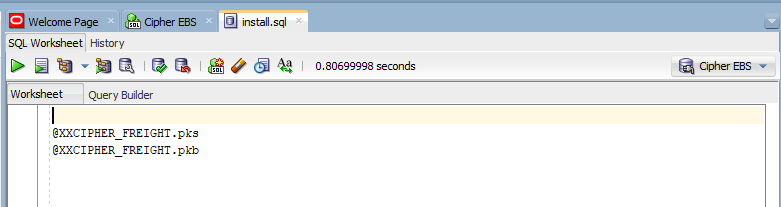
- Ensure you are connected to your EBS instance as the APPS user.
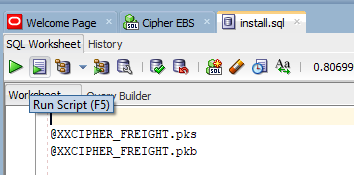
- Run Cipher_Freight/install.sql as a script.
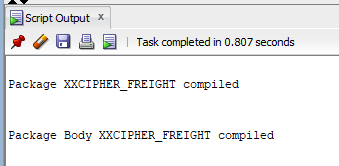
- The Script Output tab will display the results of the installation of Cipher_Freight.
Install Cipher_Label Objects
This is only required if you have purchased Cipher Label. You can ignore it if you purchased only Cipher Freight.
IMPORTANT: Before proceeding with the Cipher_Label Object installation it is very important to note that this will overwrite the Oracle provided hook package body, INV_SYNC_PRINT_REQUEST. If you have previously added custom code to this package body and still need that custom code, please be sure to modify the INV_SYNC_PRINT_REQUEST.pkb in the Cipher-Oracle.zip/Cipher_Label directory before running the installation process so your required customizations are not lost.
- Open Cipher_Label/install.sql in SQL Developer.
- Ensure you are connected to your EBS instance as the APPS user.
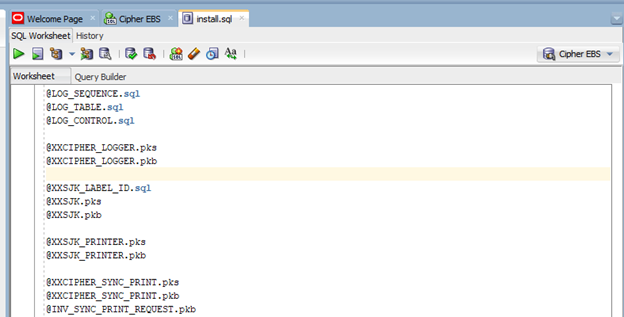
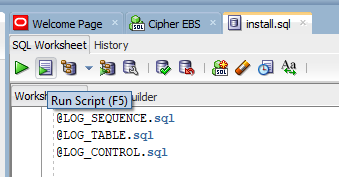
- Run Cipher_Label/install.sql as a script.
- The Script Output tab will display the results of the installation of Cipher_Json.