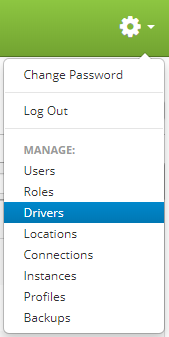
Drivers are accessed by clicking the gear icon  in the upper right hand corner of the page and clicking on Drivers.
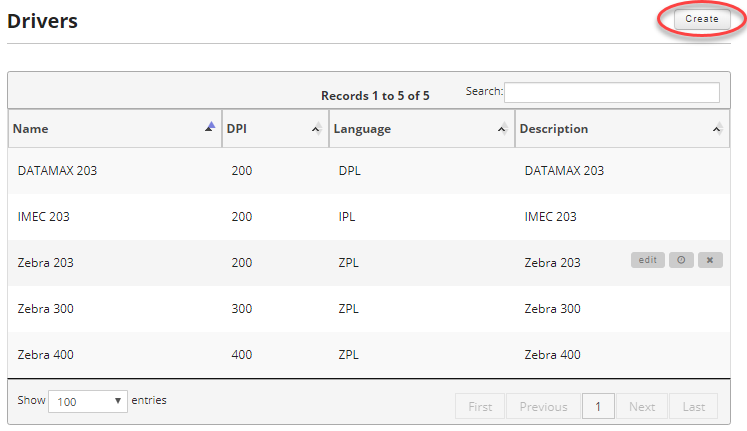
Once you are on the drivers page, click on the Create button in the upper right hand of the screen to create a new driver.
Enter a name for the driver, a DPI setting, the driver language, and an optional description. It is a good idea to have the name for your driver match the model of printer you are creating it for.
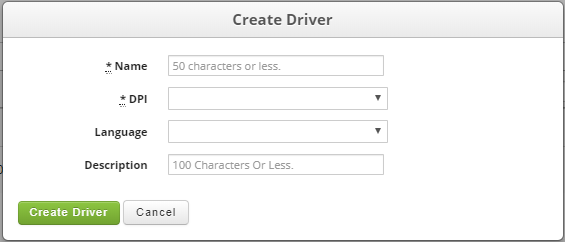
Fields:
- Name (Required): Driver Name. Max of 50 characters.
- DPI (Required): This is the DPI for the driver family.
- Language (Required): The printer family language, the valid values are ZPL, IPL, DPL or other.
- Description: A human readable driver description. Max of 100 characters.
Once you are satisfied, click the Create Driver button to save your newly created driver.