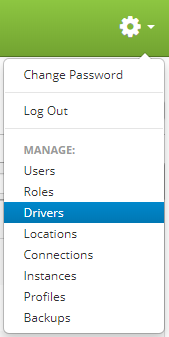
Drivers are accessed by clicking the gear icon  in the upper right hand corner of the page and clicking on Drivers.
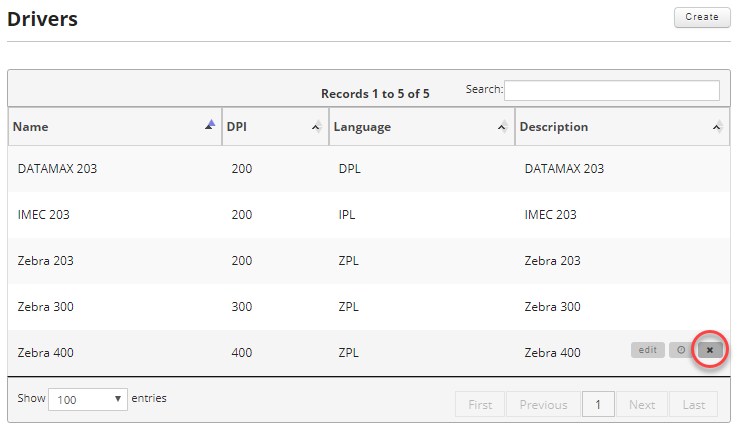
Once on the drivers page, find the driver you want to delete and move your mouse over the driver to reveal the controls. Then click the delete button.
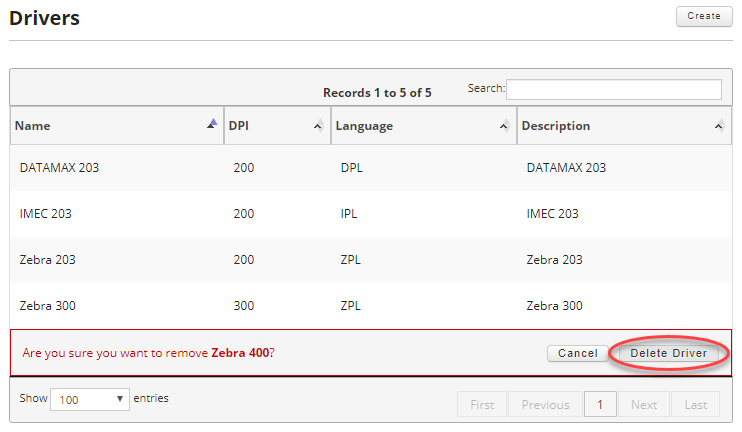
Once the delete button is clicked, you will be prompted to confirm your deletion. To finish deleting the driver, click the "Delete Driver" button.
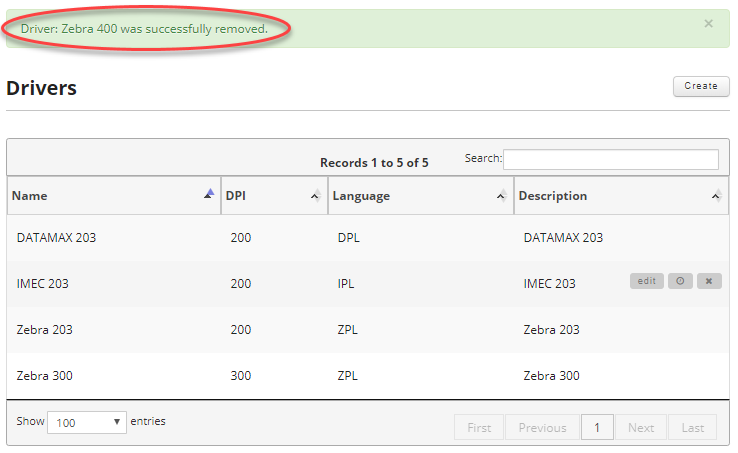
Once deleted you will be given a confirmation that the target driver was deleted.