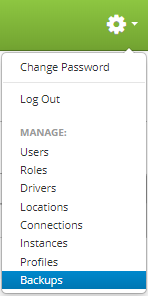
Backups are accessed by clicking the gear icon  in the upper right hand corner of the page and clicking on Backups.
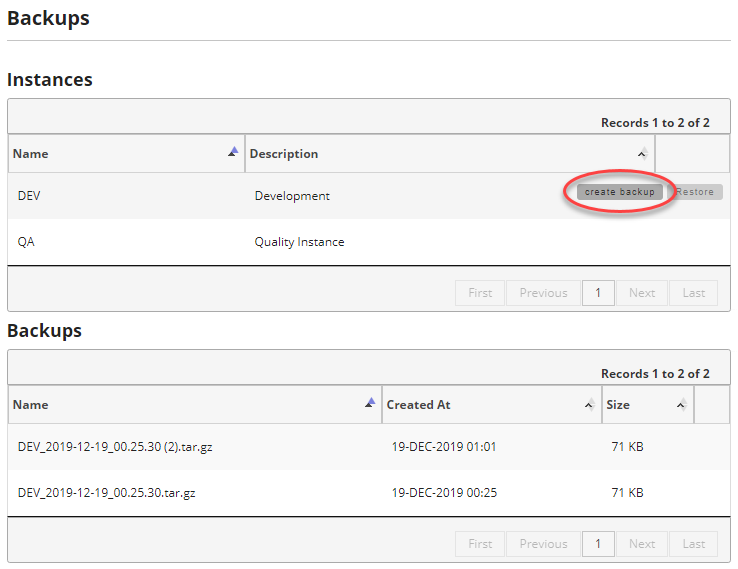
Once you are on the backups page, find the instance you want to backup and move your mouse over the instance to show the controls. Then click on the "create backup" button to create a new backup.
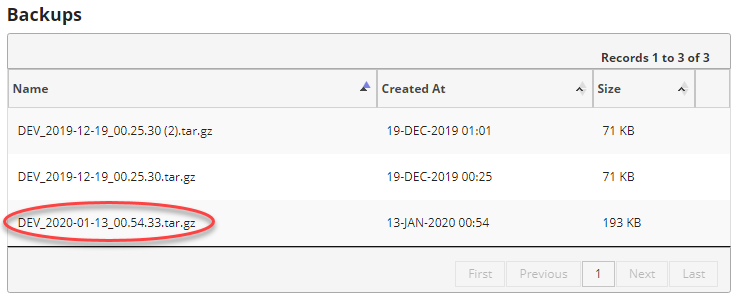
After clicking the create backup, and depending on how large your instance is, your backup will eventually appear at the bottom of the list under Backups.