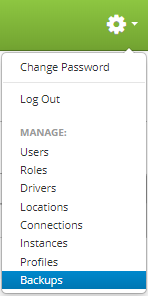
Backups are accessed by clicking the gear icon  in the upper right hand corner of the page and clicking on Backups.
Once on the backups page, locate the backup you wish to download and move your mouse over the backup to reveal the controls. Then click on the "download" button.
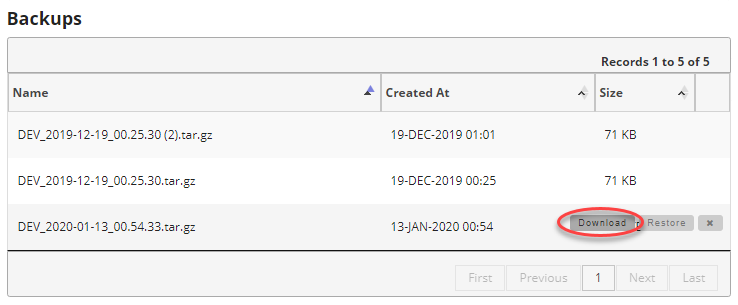
This will then download the *.tar.gz archive to your computer.