Printer Pools allow you to split a single printer into as many printers as you require to handle high volume print jobs. Instead of a high volume print job going to a single printer and taking a long time to complete, the printer pool will balance the label requests evenly across all printers assigned to the printer pool in parallel causing dramatically less processing time to complete the print job.
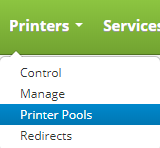
Printer Pools are accessed by clicking on the Printers drop down on the main menu and clicking on Printer Pools.
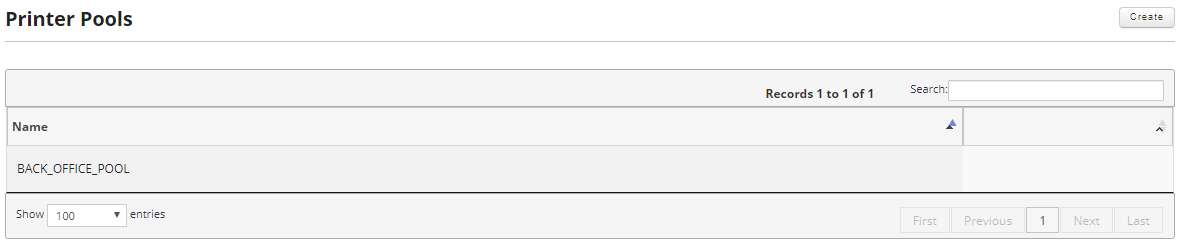
From this screen you will be able to create printer pools and edit or delete existing printer pools.
This section will cover the following:
- Create a Printer Pool
- Edit a Printer Pool
- Delete a Printer Pool