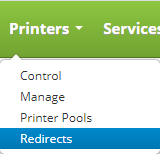
To access printer redirects click on the Printers drop down on the main menu and click on Redirects.
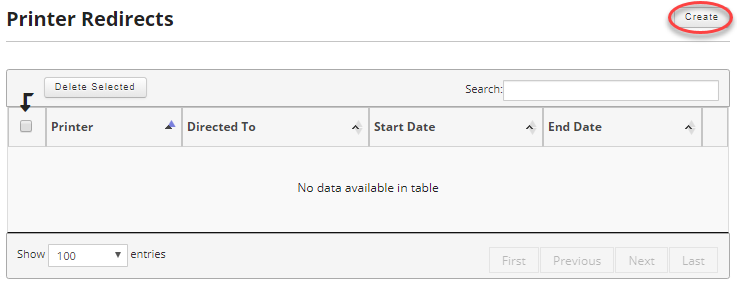
Once on the printer redirect page click on create button in the upper right hand corner.
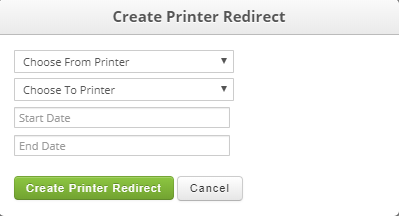
You select the printer you want to redirect from the "Choose From Printer" drop down menu and select the printer you want to redirect it to from the "Choose To Printer" drop down. Optionally you can select a start and from date if desired. It is important to note that printer redirects are not bound to specific locations and printers from different locations can redirect to other location's printers.
Field:
- Choose From Printer (Required): Select the printer you need to redirect.
- Choose To Printer (Required): Select the printer you want the print jobs redirected to.
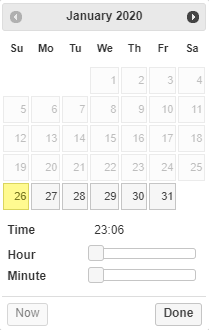
- Start Date (Required): Select a start date and time for the printer redirect.
- End Date: Select an optional end date for the printer redirect.
Once you are satisfied click on the "Create Printer Redirect" button.