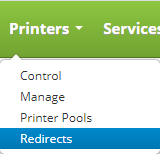
To access printer redirects click on the Printers drop down on the main menu and click on Redirects.
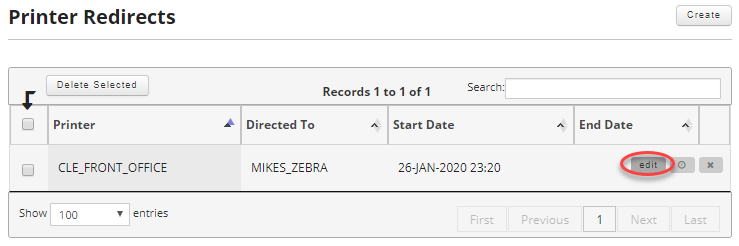
Once on the printer redirects page find the record you want to edit and move your mouse over it to reveal the controls and click on the edit button.
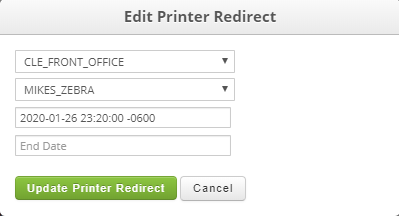
From here you can edit your printer redirect.
Field:
- Choose From Printer (Required): Select the printer you need to redirect.
- Choose To Printer (Required): Select the printer you want the print jobs redirected to.
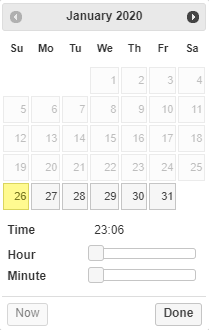
- Start Date (Required): Select a start date and time for the printer redirect.
- End Date: Select an optional end date for the printer redirect.
Once satisfied click on the "Update Printer Redirect" button to save your changes.