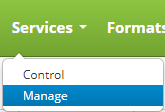
Test a service by clicking on the Services drop down menu on the main menu and clicking on Manage.
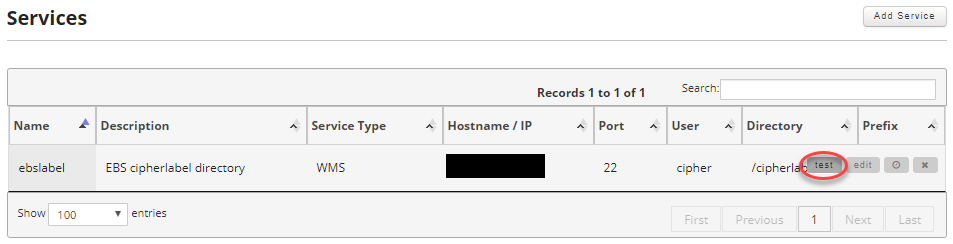
Find the service you want to test and move your mouse over the record to reveal the controls and click on the test button.
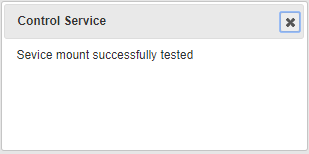
Depending on if the test is successful or not a popup will appear showing the results of the test.
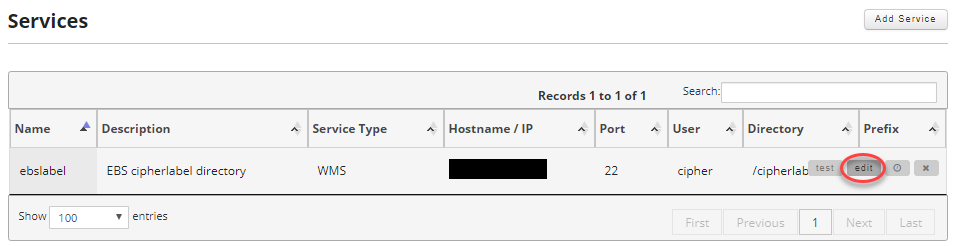
Alternatively you can move your mouse over the record you want to test and click on the edit button.
On the Edit Service screen click on the Test Mount button.
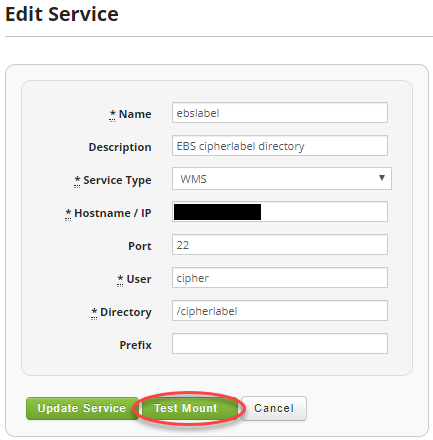
Depending on if the test is successful or not a popup will appear showing the results of the test.