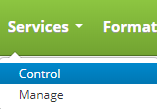
To access the service control click on the Services drop down menu on the main menu and click on Control.
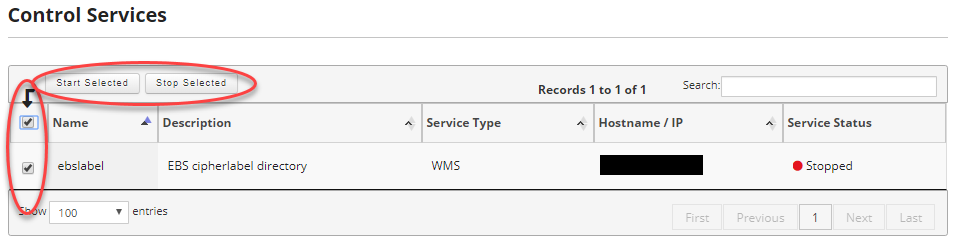
Once on the Control Services screen you can start or stop services and view logs for the services you have defined.
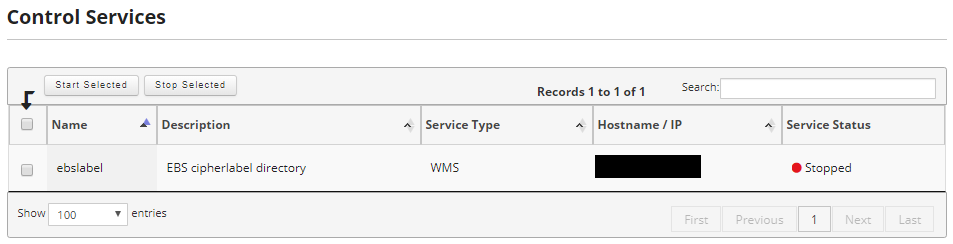
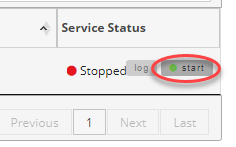
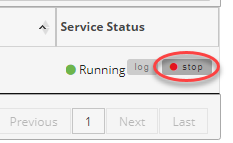
There are two ways you can start and stop services. First, is by using the check boxes at the left of the screen to select the services you want to start or stop and then using the Start Selected or Stop Selected buttons at the top of the page to start or stop the services. Second, you can move your mouse over the service you want to start or stop and depending on if it is running or not you will be presented with a start or stop button.