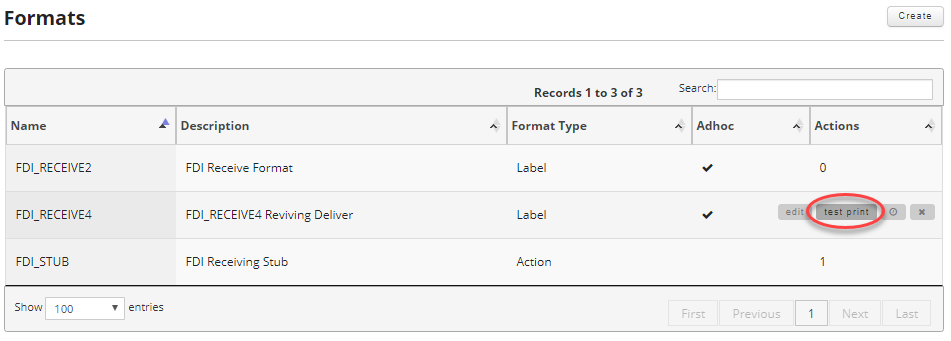
To test a label format click on the formats link in the main menu.

Once on the formats screen find the format you want to test and move your mouse over the record to reveal the controls and click on the test print button.
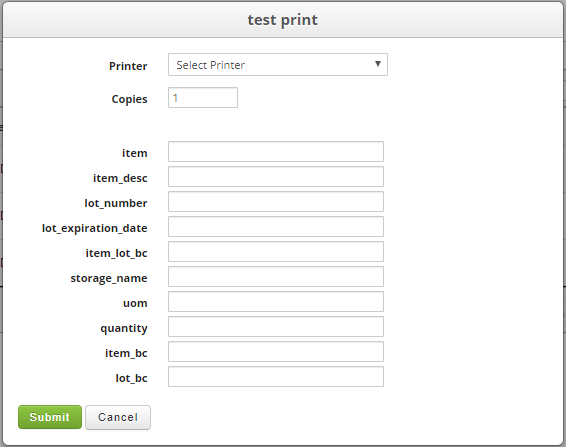
The test print screen includes inputs for all the fields that are not marked hidden on your label format. You can use these fields to input data to test printing your label. Then select the printer you want to print to and enter the number of copies you want. Note that the printer you select needs to match the driver you designed the label for. When ready click the submit button to send your test print to the printer.