In the event you forget your password and cannot log into the application, you can attempt to recover your password. From the login page you can use the "Forgot Password" link at the bottom of the page to recover your user password. This will only work if you have an e-mail address associated with your user.
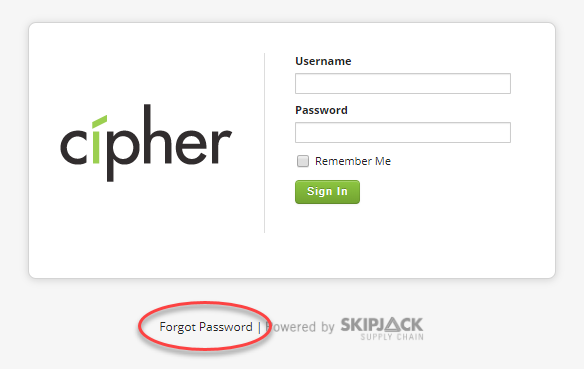
After clicking on "Forgot Password" on the login page you will be able to enter your user's e-mail address in order to reset your password.

If you are unable to successfully reset your password or you did not have an e-mail address associated with your user account, contact your Cipher administrator who has an administrative account that can reset your password. If that does not work and you cannot log into the default skipjack user, please contact SKIPJACK support at support@skipjacksc.com.