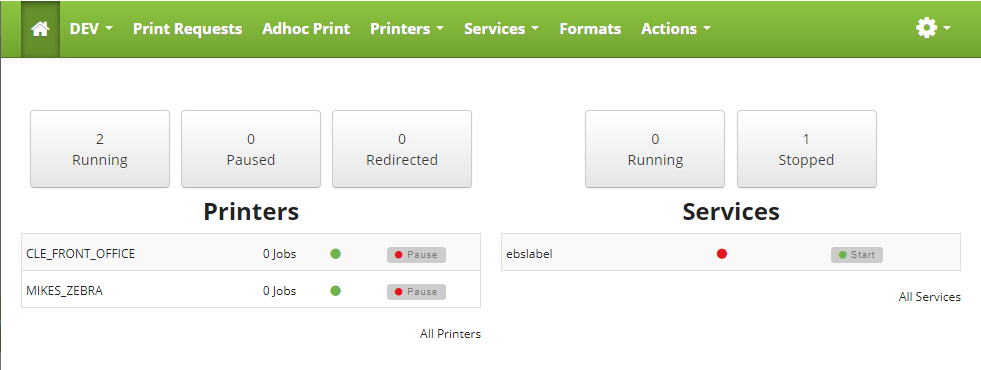
Cipher has a dashboard that gives you a bird's eye view of your printers and services in an instance. This is accessed by clicking on the home button  or using the instance menu drop down and selecting "Dashboard".
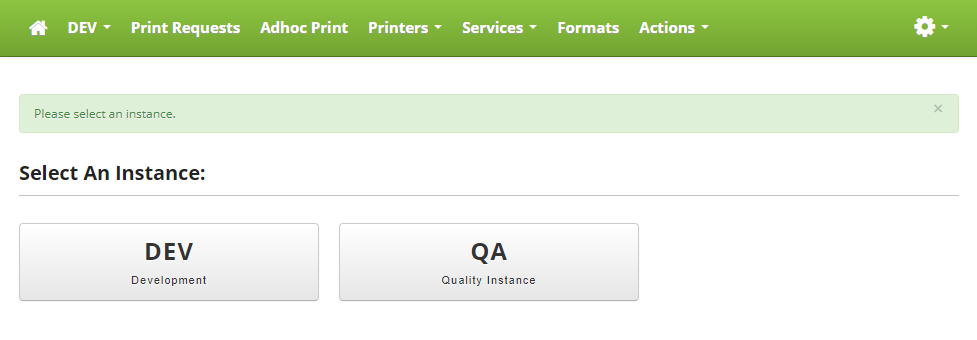
When you first log into Cipher and you have more than one instance configured, you will be challenged to select an instance before you can see your dashboard. The dashboard only displays information for a single instance at a time.
The dashboard gives you the ability to start and stop printers and services that appear on the dashboard. You can also get a view of the number of running, paused, and redirected printers along with the number running and stopped services.