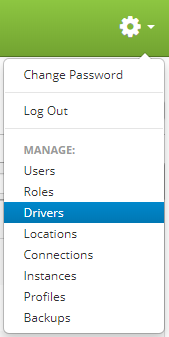
Drivers are accessed by clicking the gear icon  in the upper right hand corner of the page and clicking on Drivers.
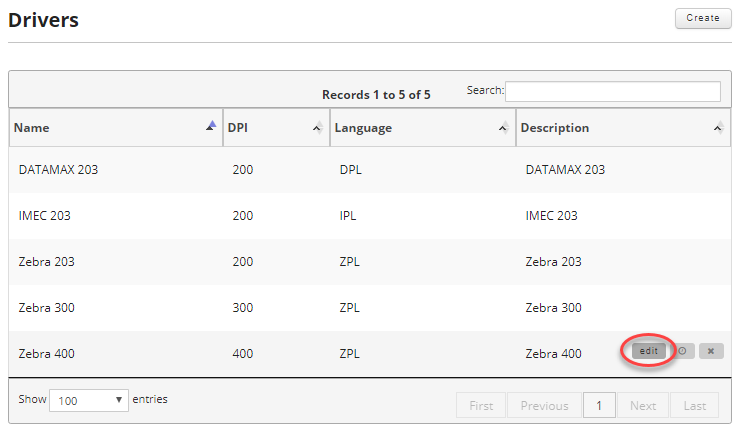
Once on the drivers page, find the driver you want to edit and move your mouse over the driver to reveal the controls. Then click the edit button.
Just like in Creating a Driver, update the information you wish to change and then click on the "Update Driver" button to save your changes.
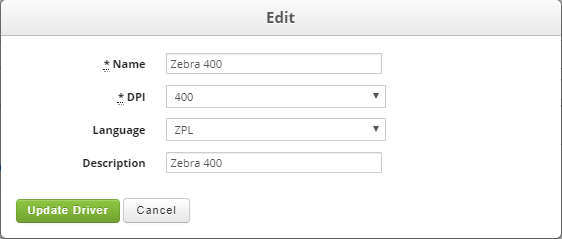
Fields:
- Name (Required): Driver Name. Max of 50 characters.
- DPI (Required): This is the DPI for the driver family.
- Language (Required): The printer family language, the valid values are ZPL, IPL, DPL or other.
- Description: A human readable driver description. Max of 100 characters.