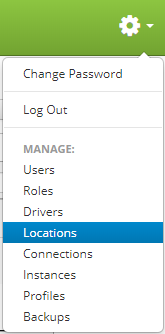
Locations are accessed by clicking the gear icon  in the upper right hand corner of the page and clicking on Locations.
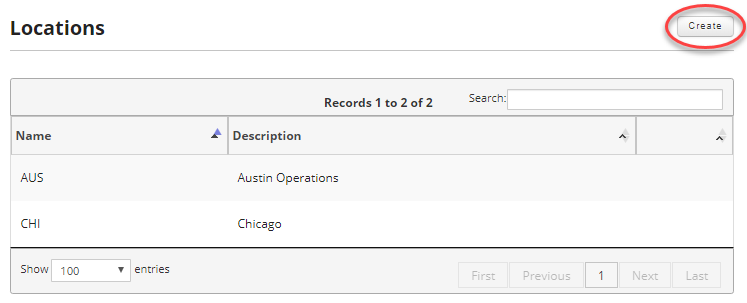
Once you are on the locations page, click on the Create button in the upper right hand of the screen to create a new location.
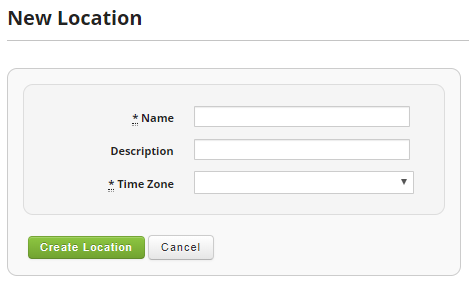
Enter a name, an optional description, and select a time zone for your new location.
Fields:
- Name (Required): Location Name / Inventory Organization. No spaces allowed.
- Description: Additional information for the location to help identify where the location is.
- Time Zone (Required): Location Time Zone
Once you are satisfied, click the Create Location button to save your newly created role.