Printer redirects allow you to do what they suggest, redirect printers. This is useful if a printer goes down for maintenance and you need to redirect its print jobs to another printer. With this feature you don't have to worry about re-configuring a printer do to a breakdown or lack of access. You can even define redirects to start or stop on a specific date and time.
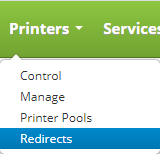
To access printer redirects click on the Printers drop down on the main menu and click on Redirects.
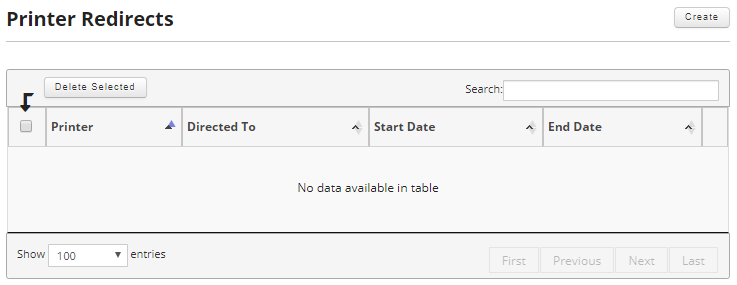
Once on the printer redirects page you can create a new printer redirect or edit and delete an existing printer redirect.
This section will cover the following: