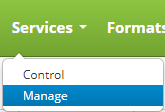
Edit a service by clicking on the Services drop down menu on the main menu and clicking on Manage.
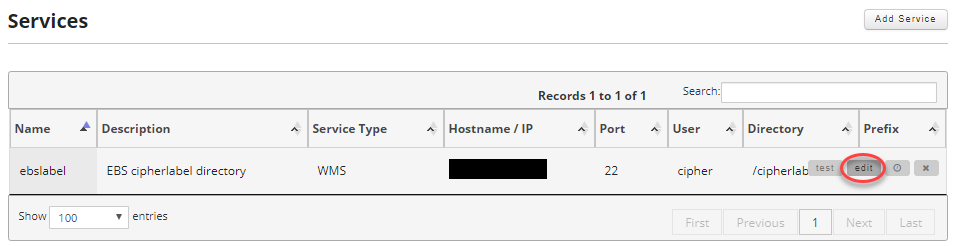
Find the service you want to edit and move your mouse over the record to reveal the controls and click on the edit button.
Update the fields you wish to change.
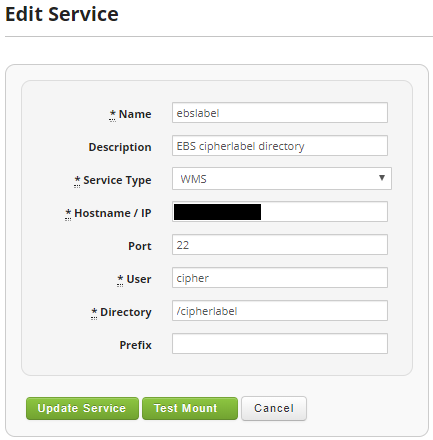
When satisfied click on the Update Service button.