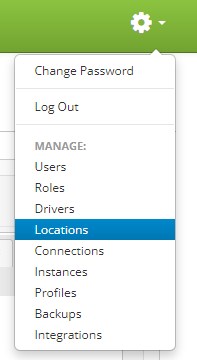
To update a default carrier account for a carrier go to the Gear  drop down menu on the top right of the main menu and clicking on Locations.
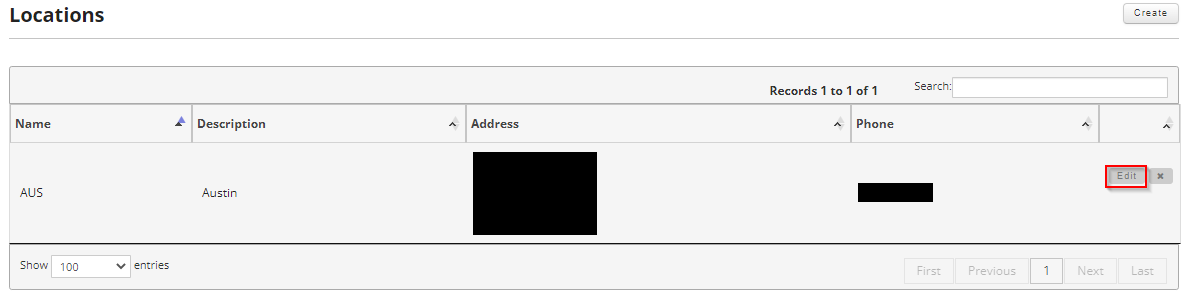
Once on the locations page, locate the location you want to update the default carrier account for and move your mouse over the location to reveal the controls. Click on the edit button to edit the location.
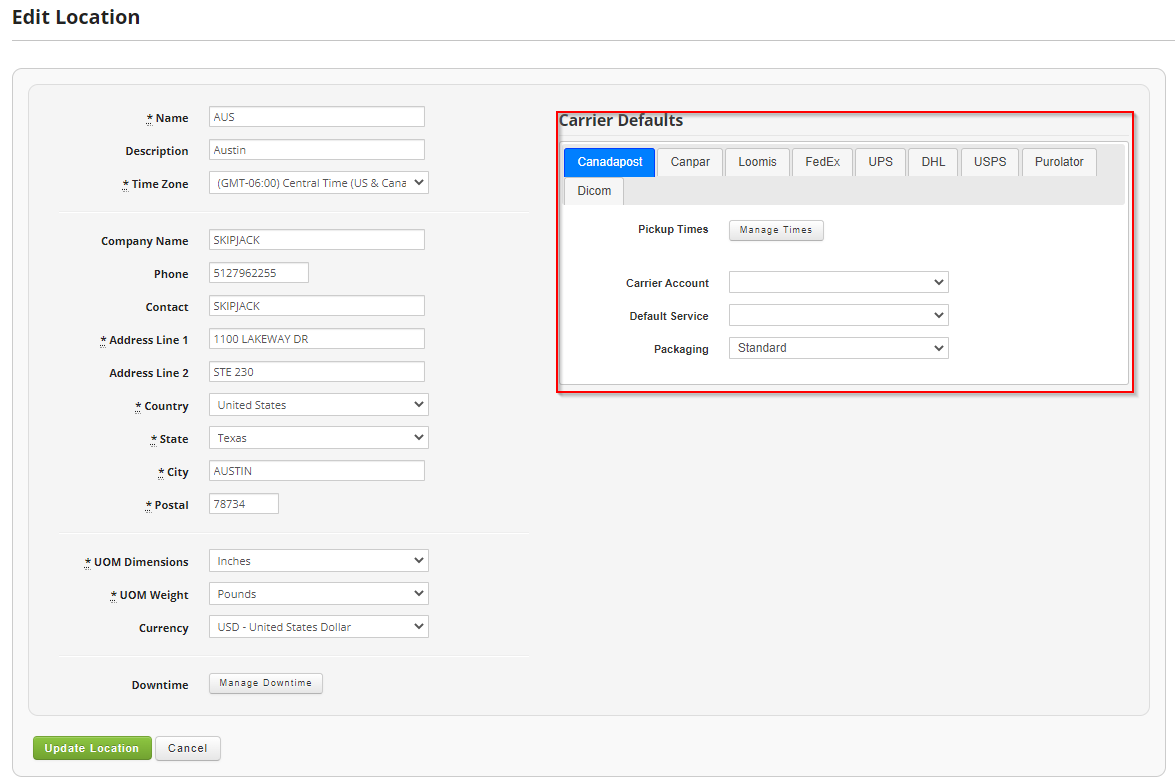
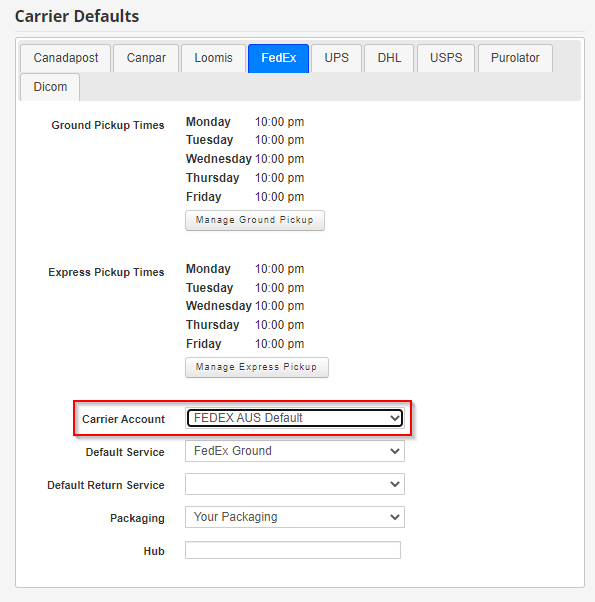
Once in the location settings find the Carrier Defaults section on the right of the screen and click on the Carrier you are looking to adjust.
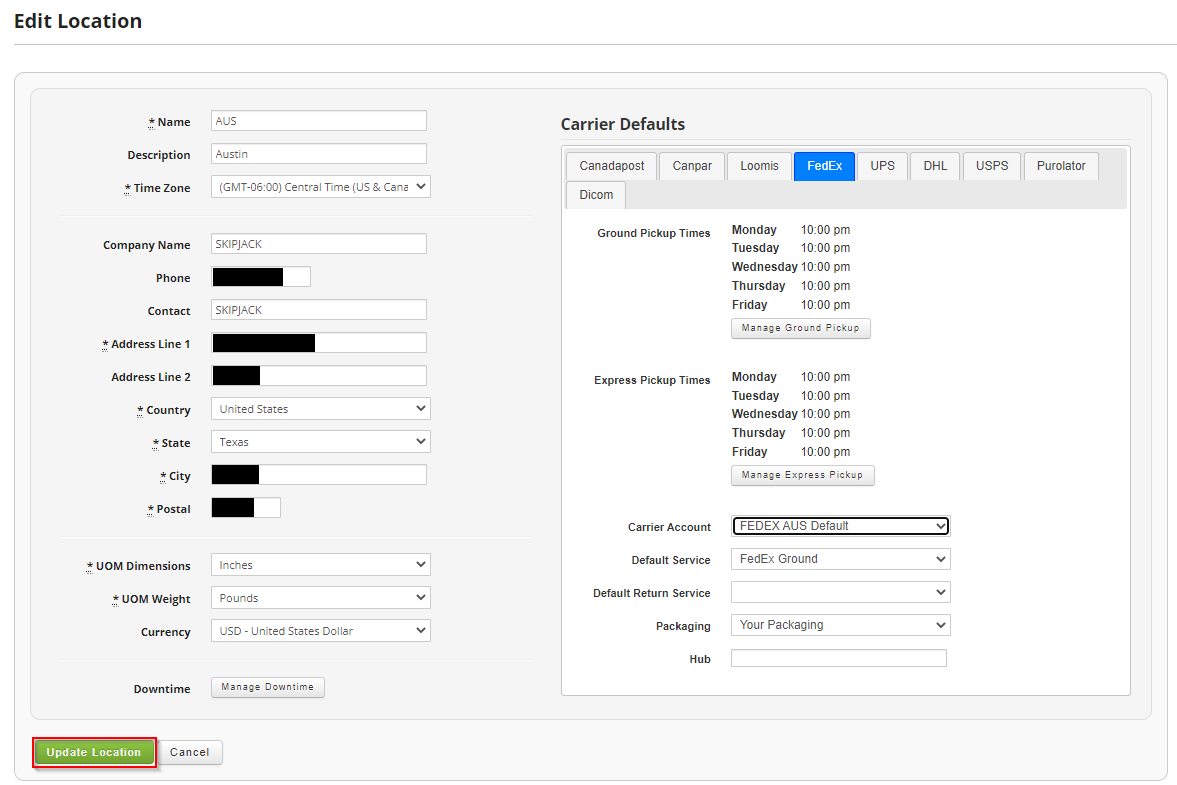
You will now need to set the default carrier account field with the proper carrier account you created earlier.
Once you are satisfied, click on the "Update Location" button to update the Carrier and Location.