If you haven't already installed Cipher, please read Installing Cipher.
To log into Cipher Label, direct your web browser to the static IP address you were directed to setup in Installing Cipher. This will bring you to the Cipher login screen.
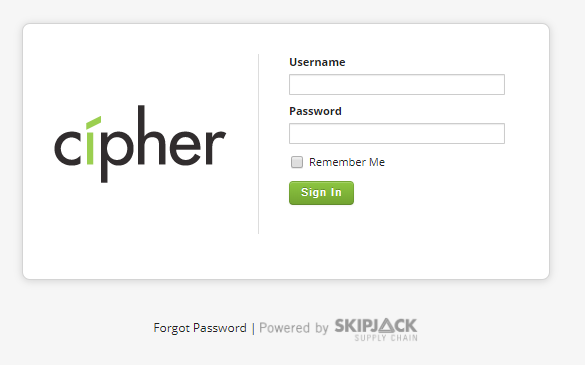
Username: Enter the username for the user you want to login as. See Installing Cipher for the default username and password for the Cipher application.
Password: Enter the password for the user.
Remember Me: By checking the "Remember Me" checkbox, your username and password will be remembered for the next time you login.
Forgot Password: If you have forgotten your password you can use the "Forgot Password" link at the bottom of the login page to reset your password.