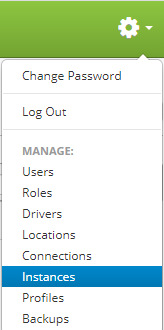
Instances are accessed by clicking the gear icon  in the upper right hand corner of the page and clicking on Instances.
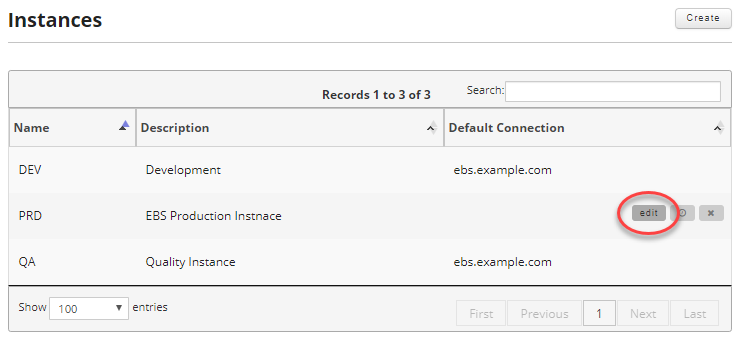
Once on the Instances page, find the instance you want to edit and move your mouse over the instance to reveal the controls. Then click the edit button.
Just like in Creating an Instance, update the information you wish to change and then click on the "Update Instance" button to save your changes.

Fields:
- Name (Required): Enter the name of your instance. It can be a maximum of 10 characters.
- Description: Enter an optional description of your instance. It can be a maximum of 100 characters.
- Maintain Oracle Printer: If checked this option allows for Cipher to create, update or delete printers in Oracle as they are modified in Cipher. See Cipher Common EBS Setup for details about installing the Cipher objects in EBS.