To edit a label format click on the formats link in the main menu.

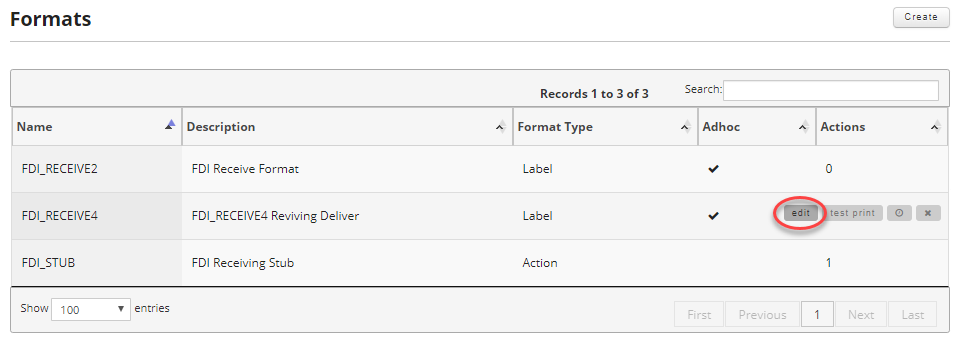
Once on the formats screen find the format you want to edit and move your mouse over the record to reveal the controls and click on the edit button.
For a detailed description of each section, please see Creating a Label Format.

Once you are satisfied with your changes, click on either the "Update Format" or "Submit And Continue Editing" buttons.