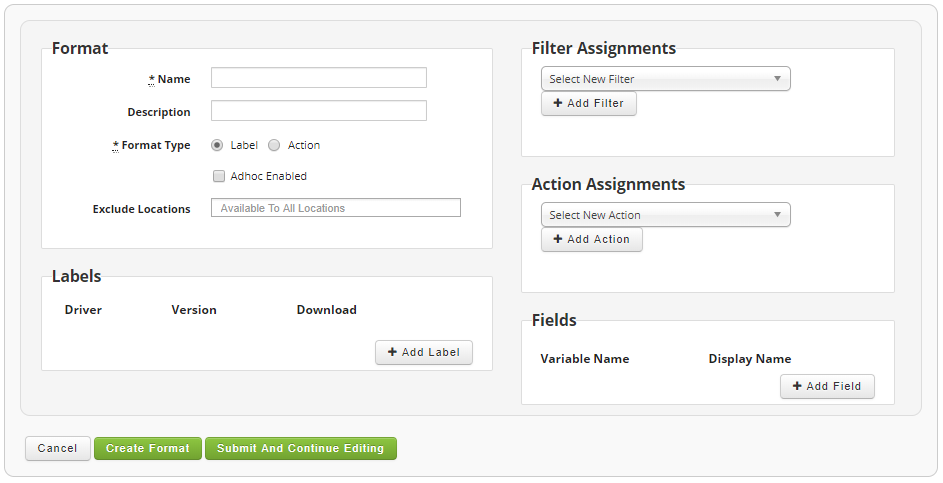
Label formats are built in BarTender, but in order to use the labels in Cipher label formats need to be created for each label. A format consists of a list of fields and will contain a copy of the BarTender generated label format and source code. Optionally filters or actions can be assigned to the label format as needed to perform look ups or execute additional processes or labels.
Label formats do not have to be an actual label but can represent an action. In this situation the label request acts as an action and no label will actually print. The action could execute additional processes, code, and even generate another label request. The options are nearly limitless.
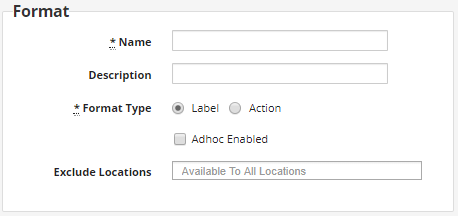
Format
This is the primary definition for the label format. The name must match the label format that is sent in the label request XML. This also defines if the label format is defined as an actual label or an action. Label formats are always available to all locations within an instance, but you can optionally exclude some locations from being able to use a specific label format.
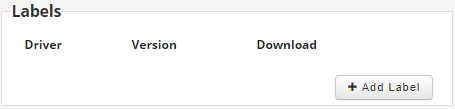
Labels
This section is only available if your format type is set to label. It is not available for formats that are defined as actions. In order for a label format of type label to generate a physical label, it must have a BarTender format and print driver associated with the label.
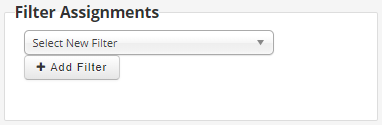
Filter Assignments
Use this to assign optional filters to the label format. You can have as many filter assignments as you need associated with the label format.
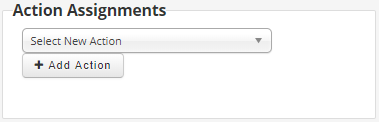
Action Assignments
Use this to assign optional actions to the label format. You can have as many action assignments as you need associated with the label format.
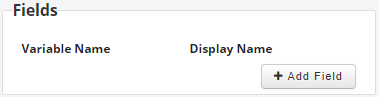
Fields
This is where you assign the fields that will be used on the label format. It consists of the variable name which corresponds to the label request's XML variable name. The display name is used in the adhoc label request and label testing forms.
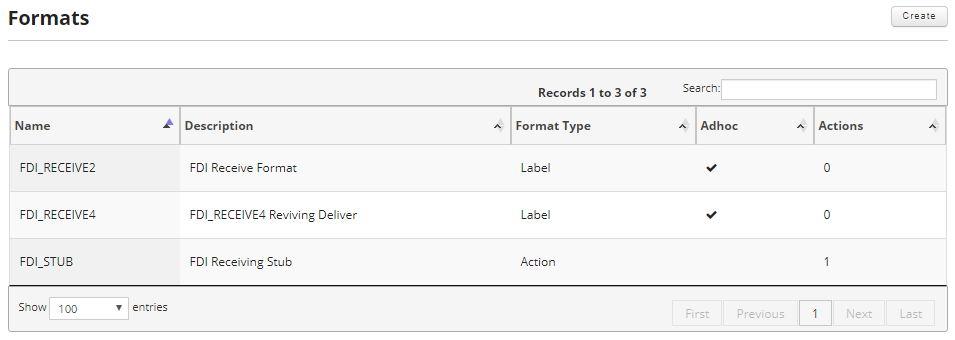
To access the label formats click on the formats option in the main menu.

Once on the formats screen you can create new label formats and edit or delete existing label formats.
This section covers the following: