Cipher has two levels of security, roles and location control. The two of these combine to give the system administrator total control on which functions, services, and devices a user has access to for a given instance. This section covers roles specifically. See the location section for more details on locations.
Cipher utilizes role based access control (RBAC) to manage user access to various components of the application. An unlimited number of roles can be created for each instance, allowing administrators to create very granular access permission for various users.
Roles can restrict what functions a user has access to. The user will only be able to access the menus of the roles assigned to them in the Instance Home page. As role permission are modified, the user will be able to access existing role assignments, as well as new roles within the instance they are working in without any further updates to the users already assigned the role.
Optimally location, instance, and roles should be defined before users are created. This way when new users are being added, roles and locations can be immediately assigned to the user allowing for a more efficient setup process. See Creating a User for more details on assigning roles and locations to a user.
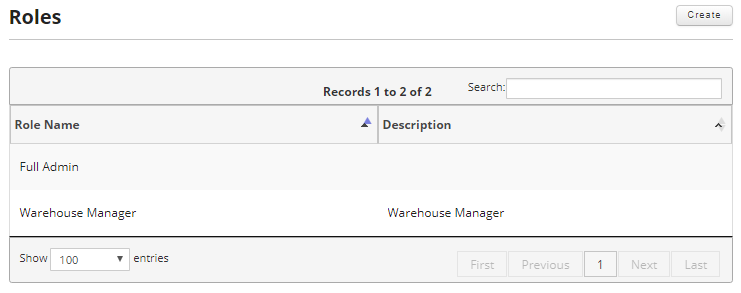
Cipher is pre-configured with the Full Admin role that is by default associated to the seeded DEV instance and skipjack user.
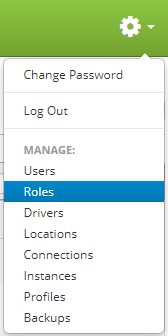
Roles are accessed by clicking the gear icon  in the upper right hand corner of the page and clicking on Roles.
From this screen you can create new roles and edit or delete existing roles.
This section will cover the following: